design•accessibly
2025Accessibility resource for product designers
PROBLEM STATEMENT
UX DESIGNERS NEED DESIGN-SPECIFIC ACCESSIBILITY RESOURCES TO CREATE ACCESSIBLE WEB PRODUCTS.
The WCAG is mainly written for developers working on implementation.
So when designers read the WCAG, they have to translate and extrapolate it for a design environment.
Success Criterion 2.4.3 Focus Order
“If a web page can be navigated sequentially and the navigation sequences affect meaning or operation, focusable components receive focus in an order that preserves meaning and operability.”
(WCAG, 2024)
Here’s an example of a WCAG success criterion. Great for developers; not so much for designers. So, I decided to create an accessibility resource specifically for designers.
- Target users
- UX designers at every stage: beginner, amateur, professional, expert.
- User research
- Semi-structured interviews with 9 UX designers: 3 students, 4 early-career, and 2 mid-career professionals.
- Objectives
Explore UX designers’:
- current awareness of accessibility
- awareness of types of disabilities & how to design for them
- sources of education on or exposure to accessibility
- perceived challenges and needs when designing for accessibility
Findings
| Insight | So what? |
|---|---|
|
|
|
|
|
|
Personas
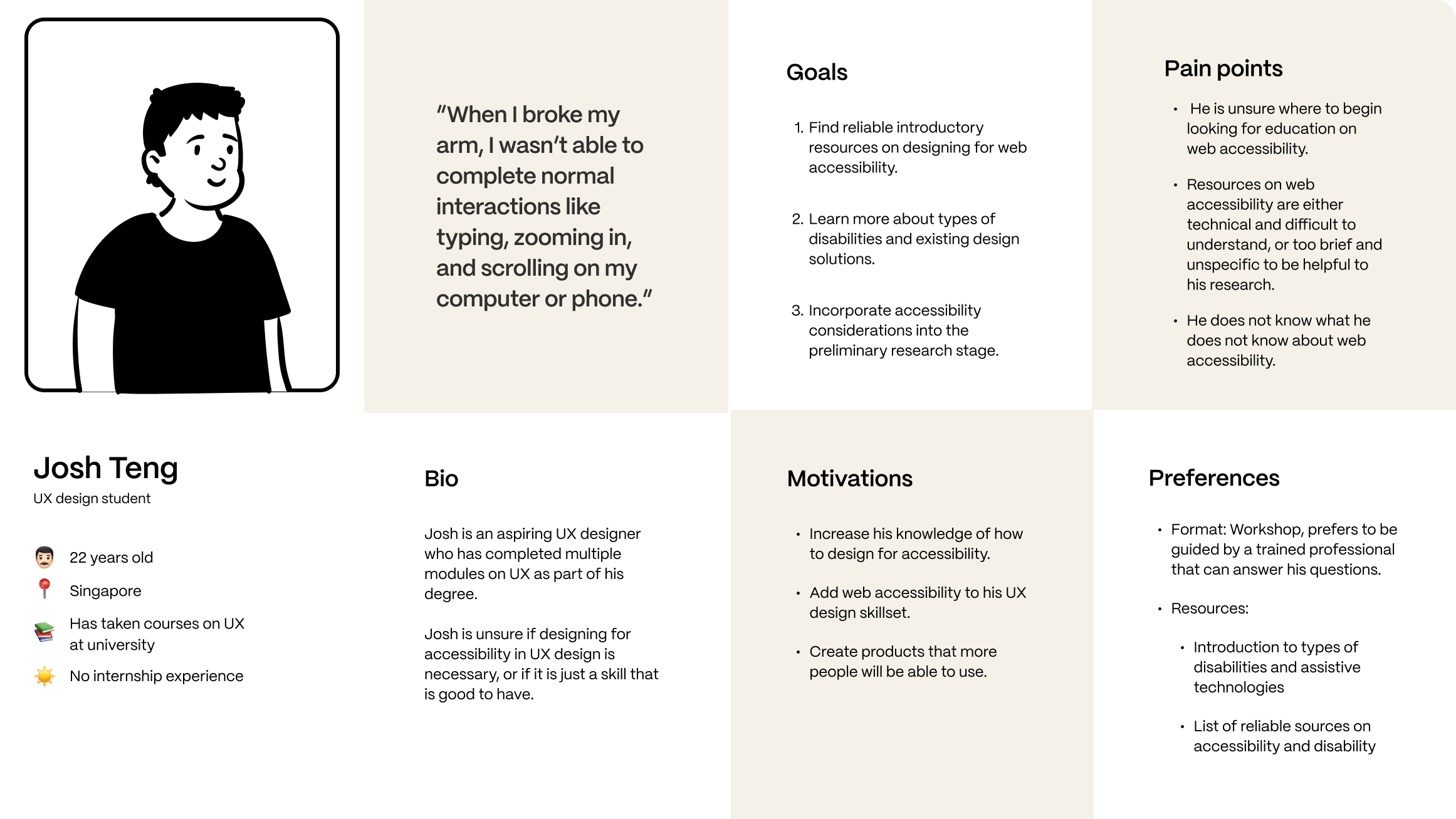
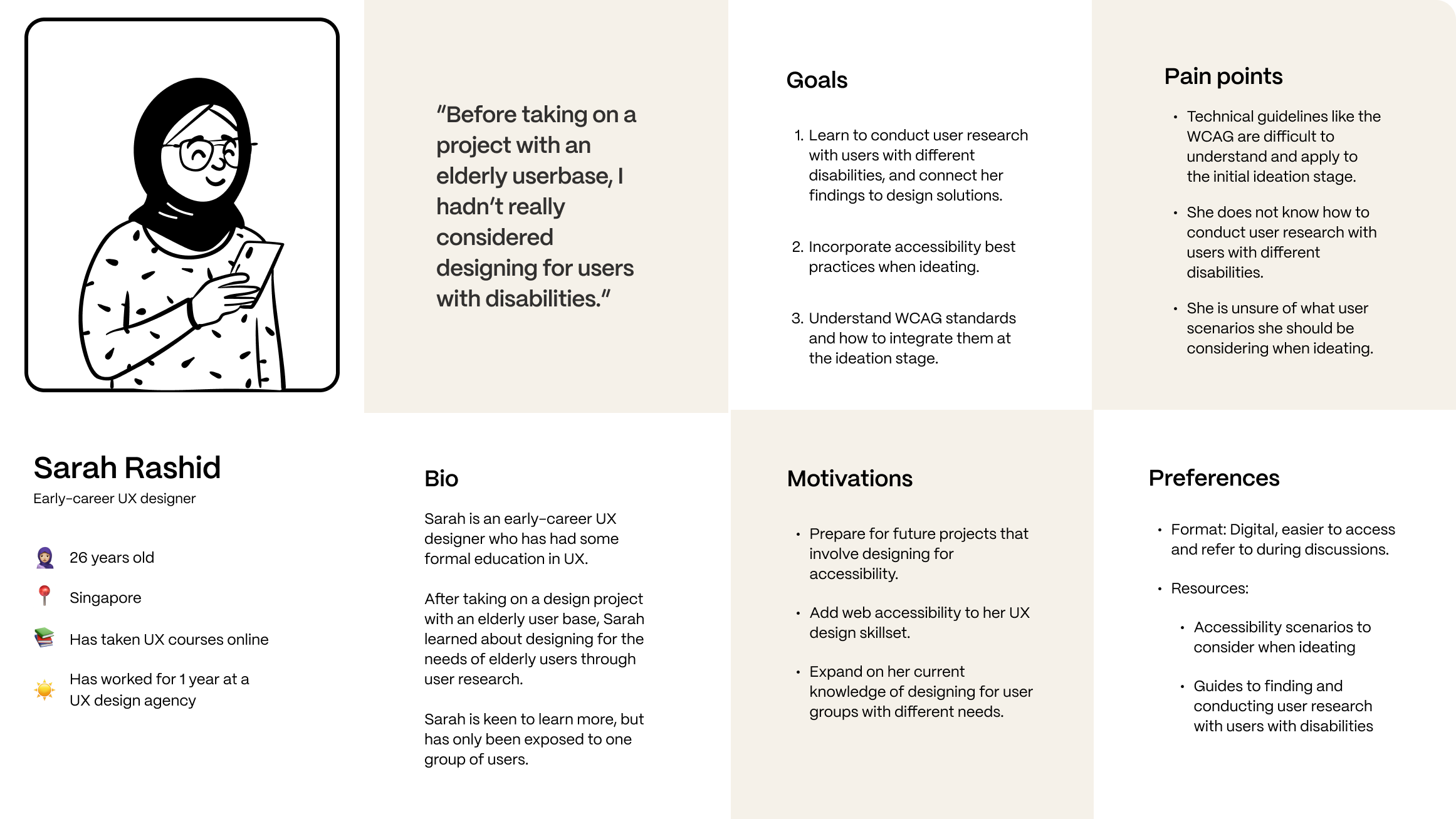
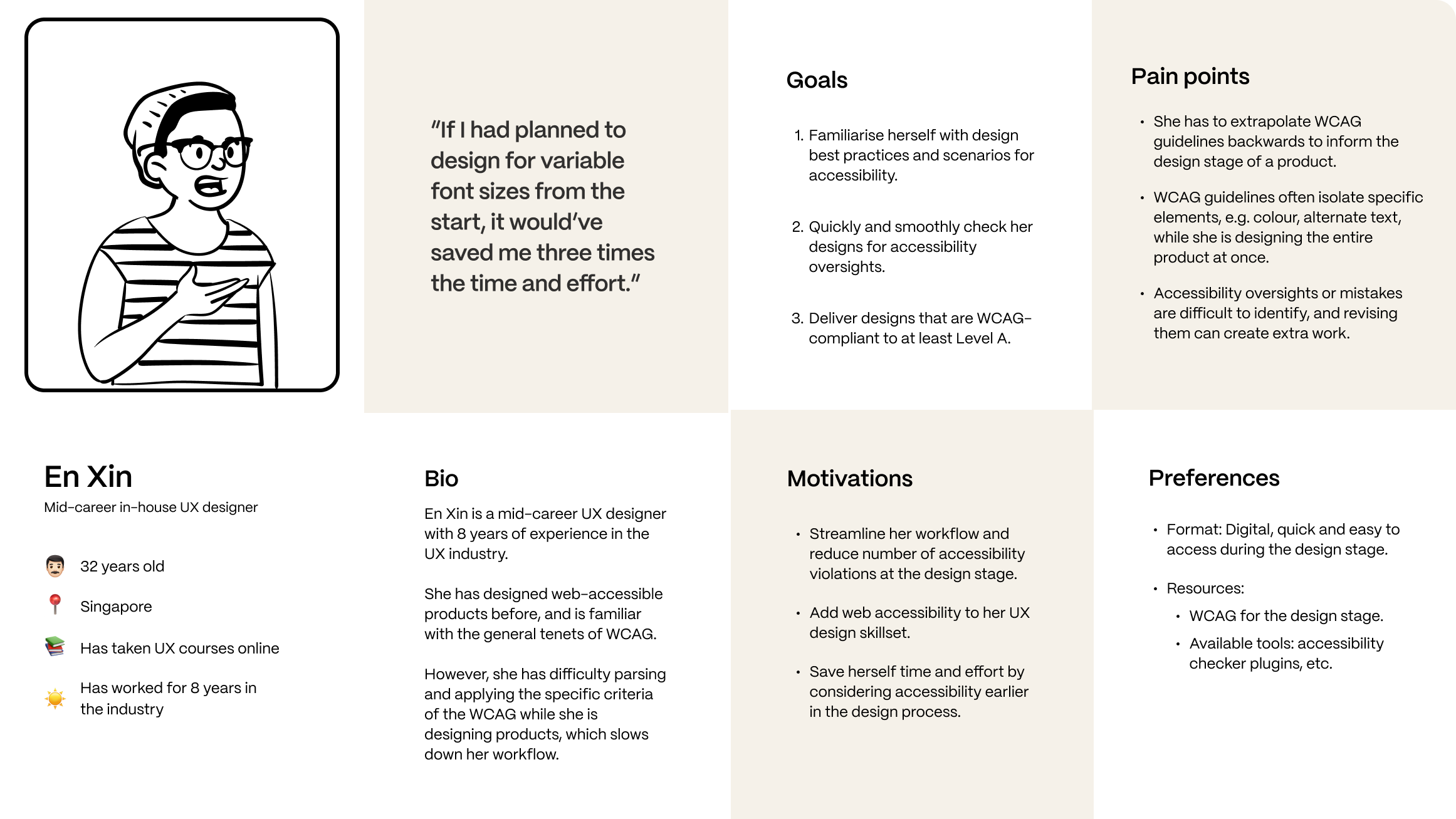
A resource that:
- identifies the user’s familiarity with web accessibility and stage of their design process;
- provides relevant, applicable information with sufficient depth, such that the designer can incorporate it into their workflow.
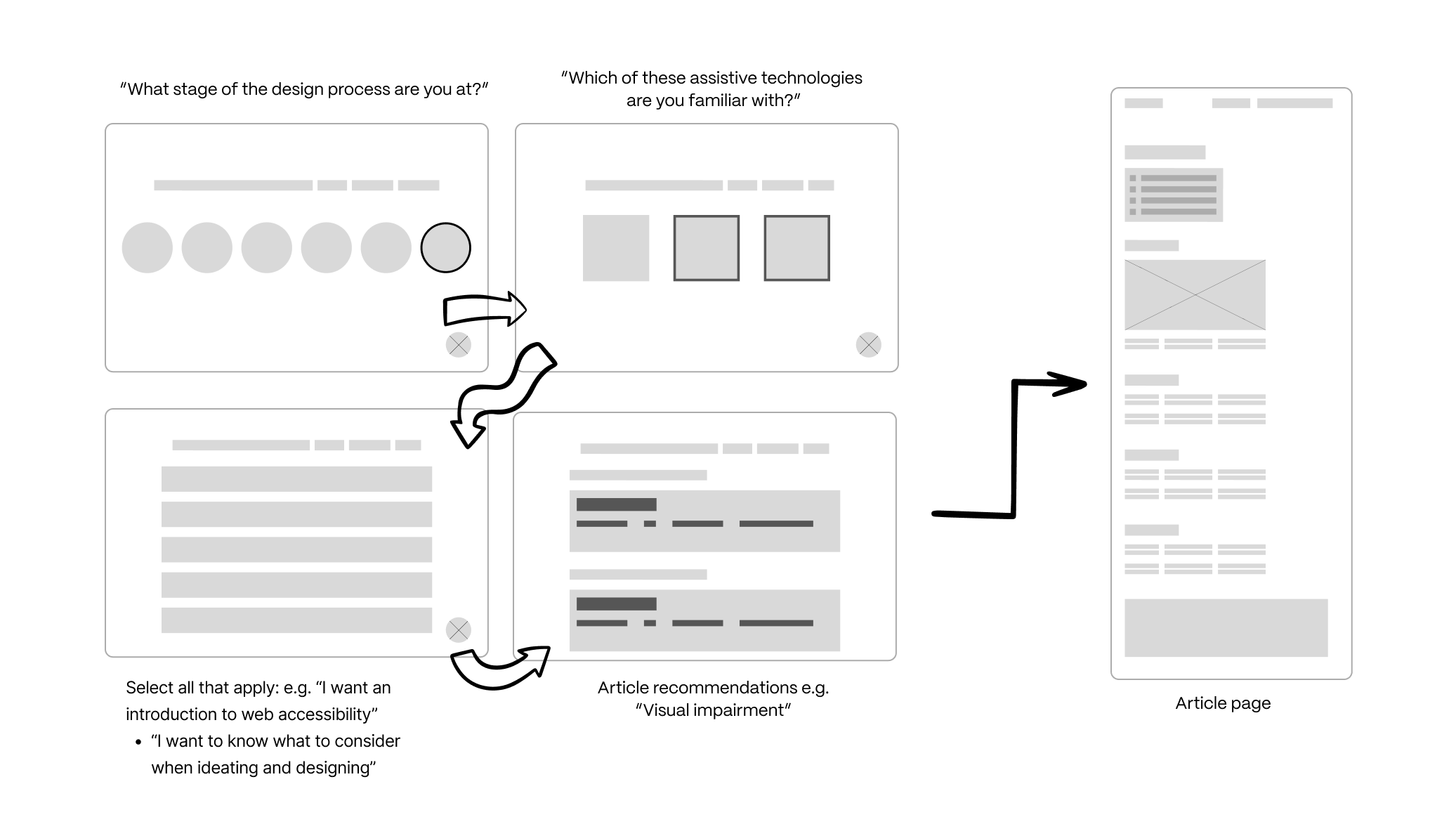
Initial user flows
BEFORE
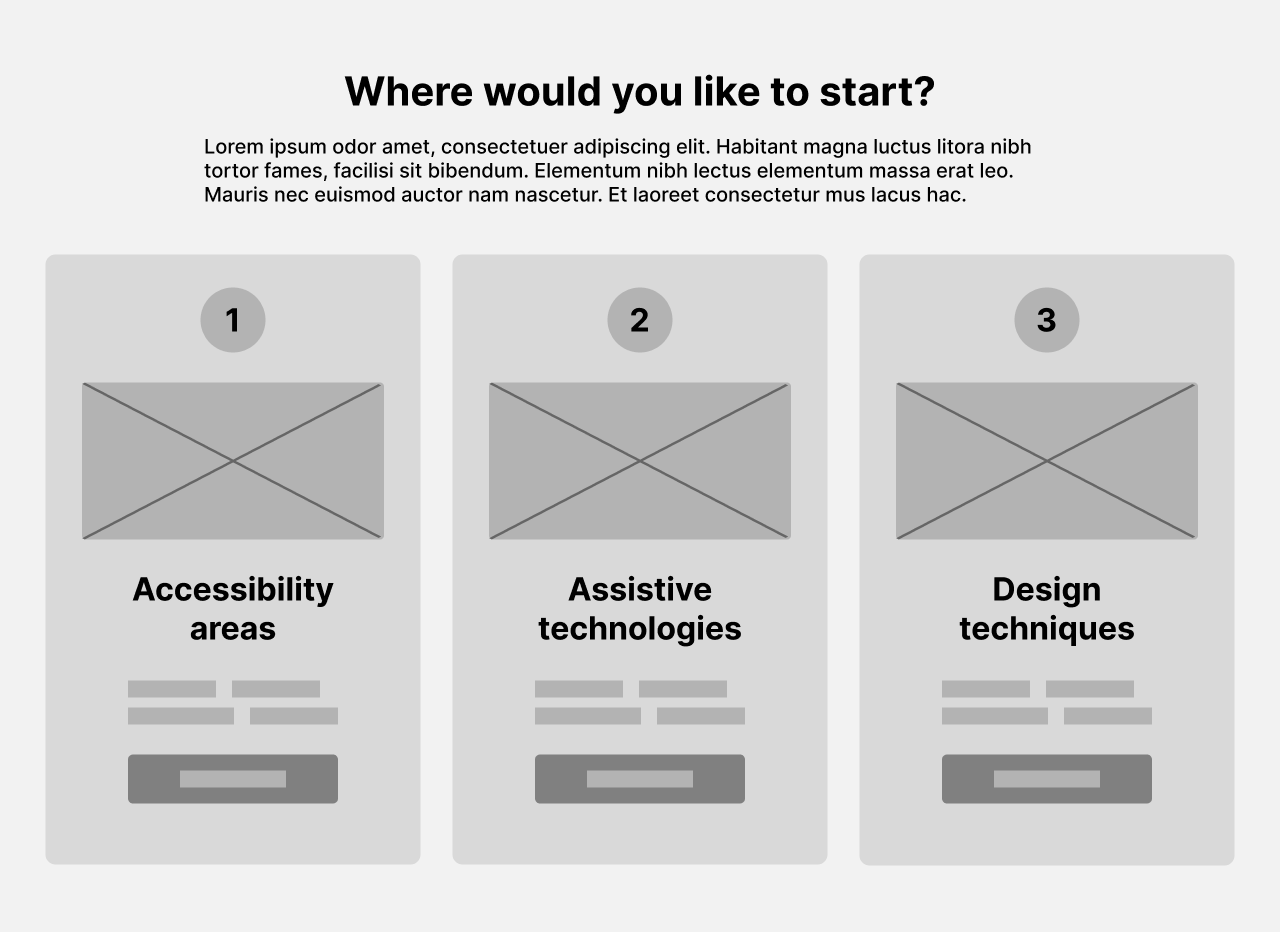
AFTER
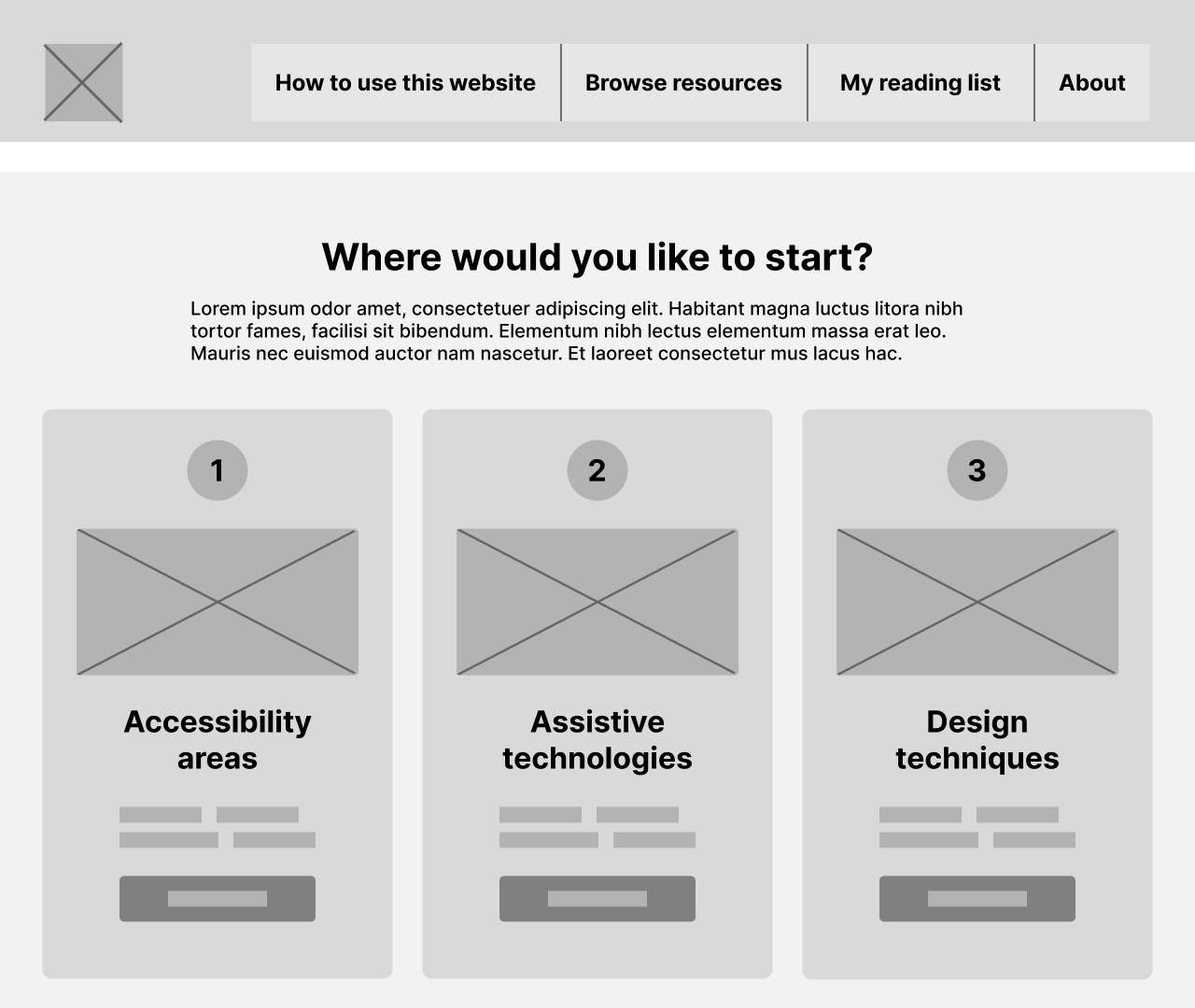
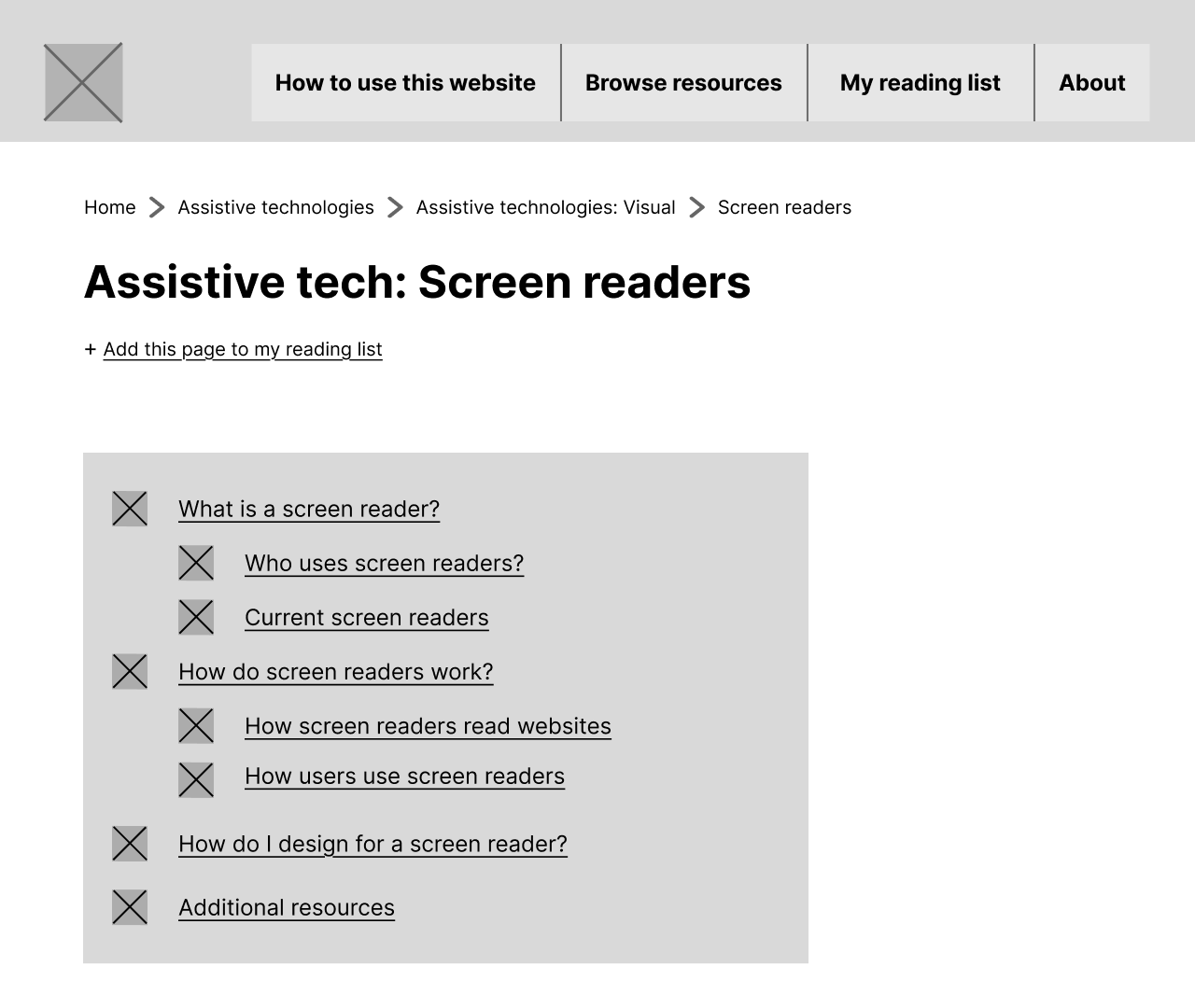
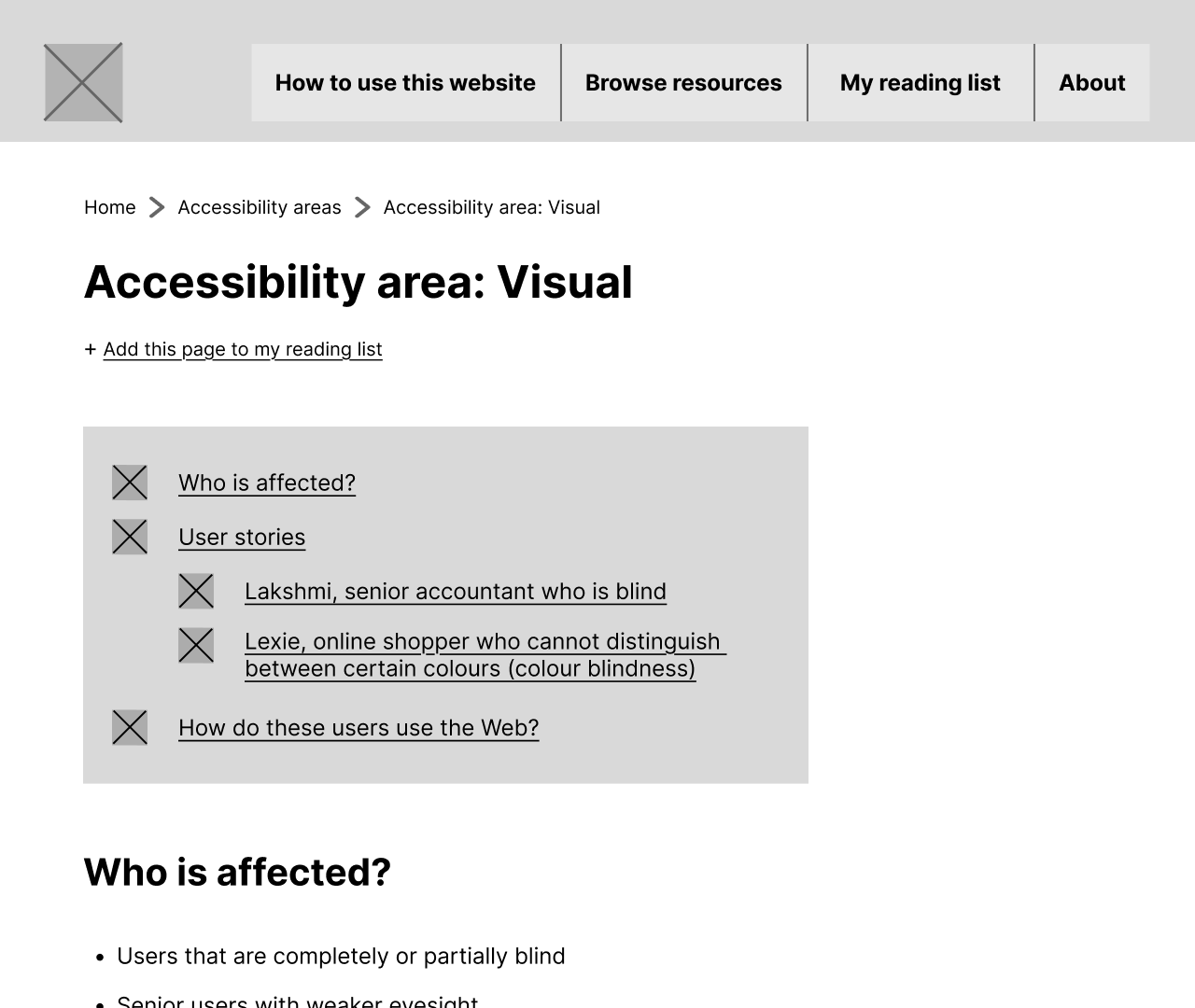
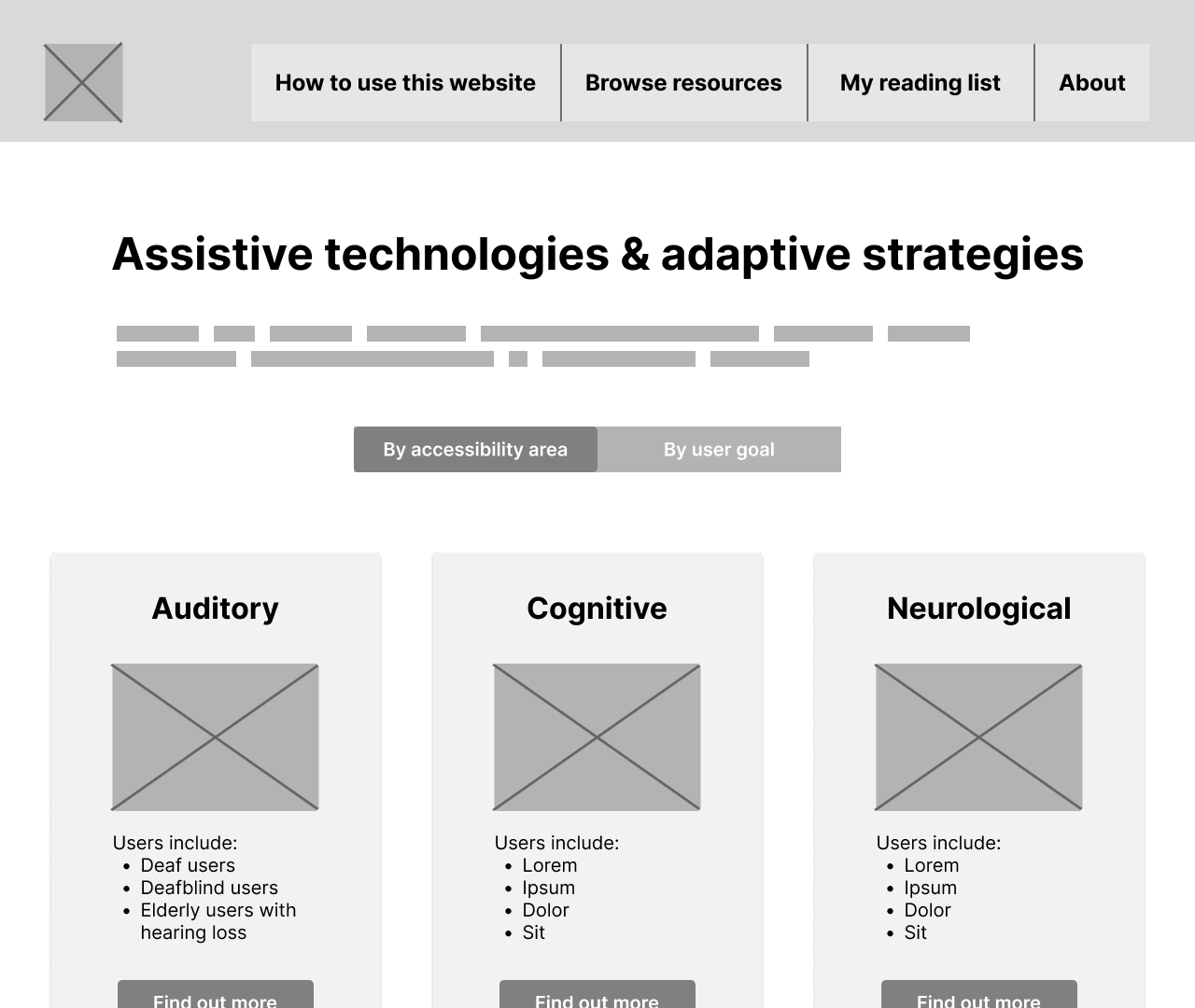
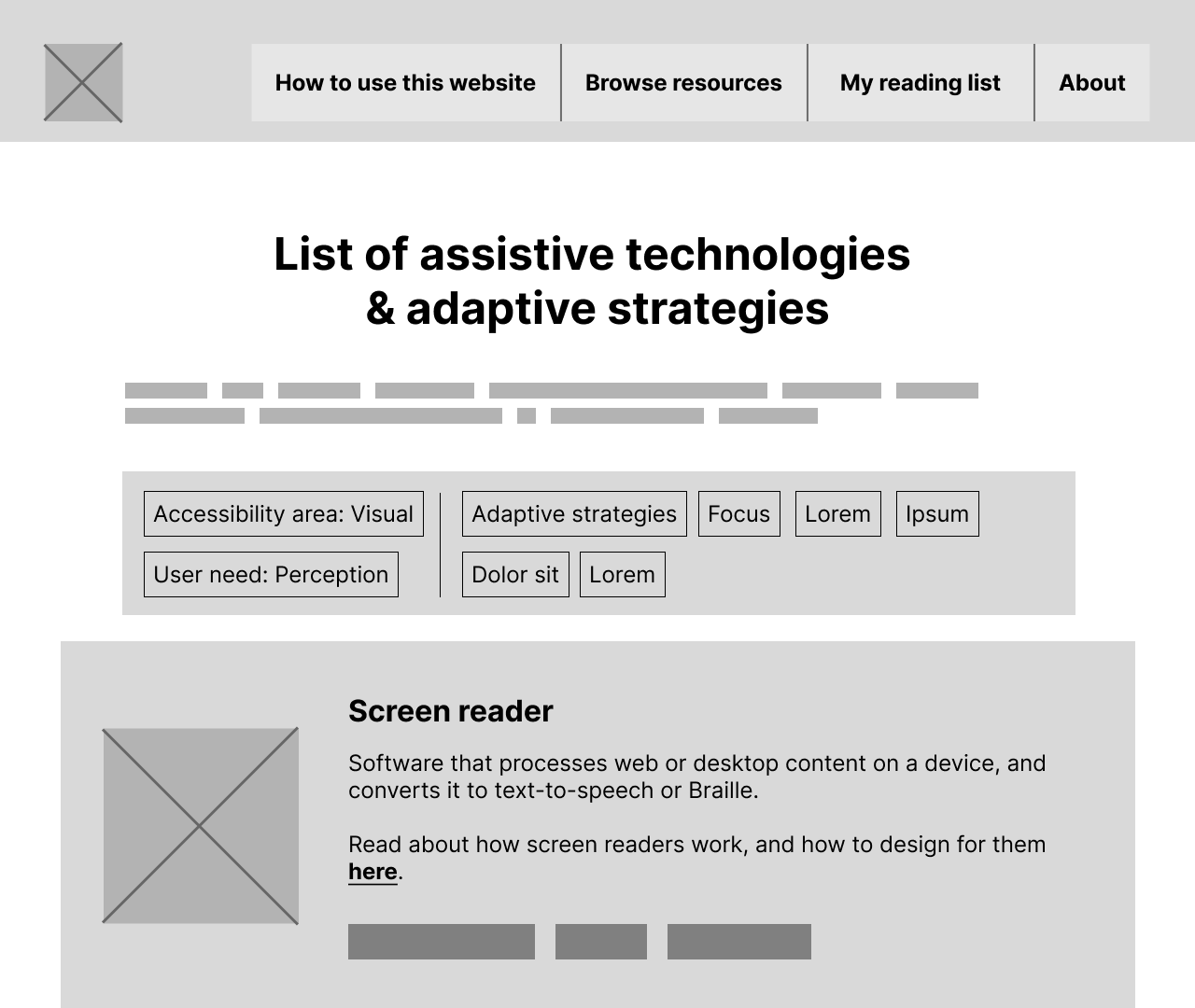
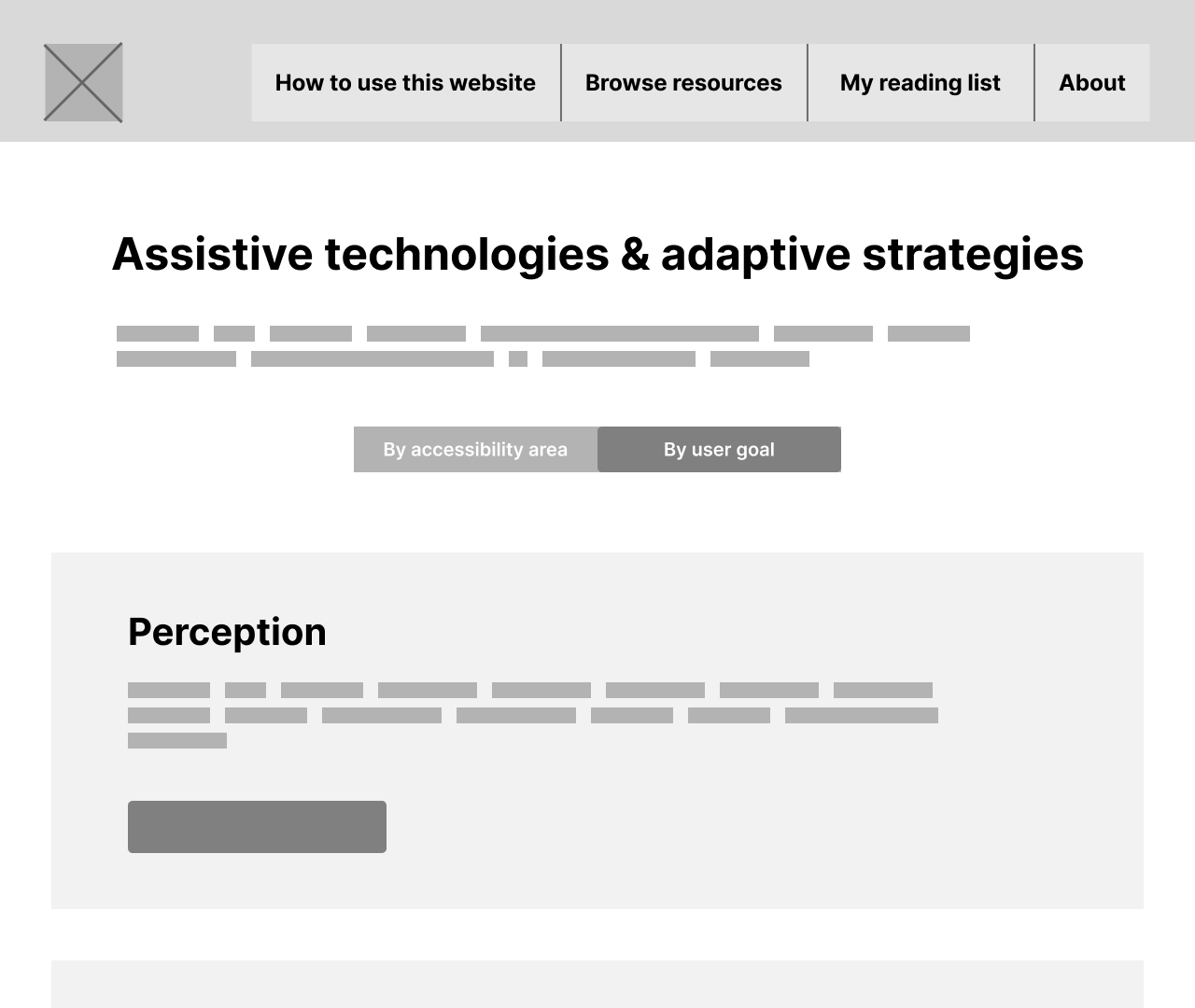
Lofi prototype
I crafted a working lofi prototype based on the user personas above.
User testing
- 1 round of lo-fi testing
- 1 round of mid-fi testing
- 9 UX designers in total
Objectives
- Is the Information Architecture intuitive?
- Is the tool effective in helping designers?
- Do the users think the tool is useful?
Methodology
- Pretest design task
- Prototype exploration & feedback
- Posttest design task
Findings & iteration
“When I see the name and tagline, ‘Helping designers create accessible products’, it says ‘design agency’ to me — like a design agency focused on accessibility.”
- Overall purpose of the tool was unclear
- Clearer signposting and navigation was needed
- Perceived usefulness varies between personas
Meeting the user’s needs
Design checklist
- Expert personas didn’t find the prototype useful — it didn’t meet their user goals.
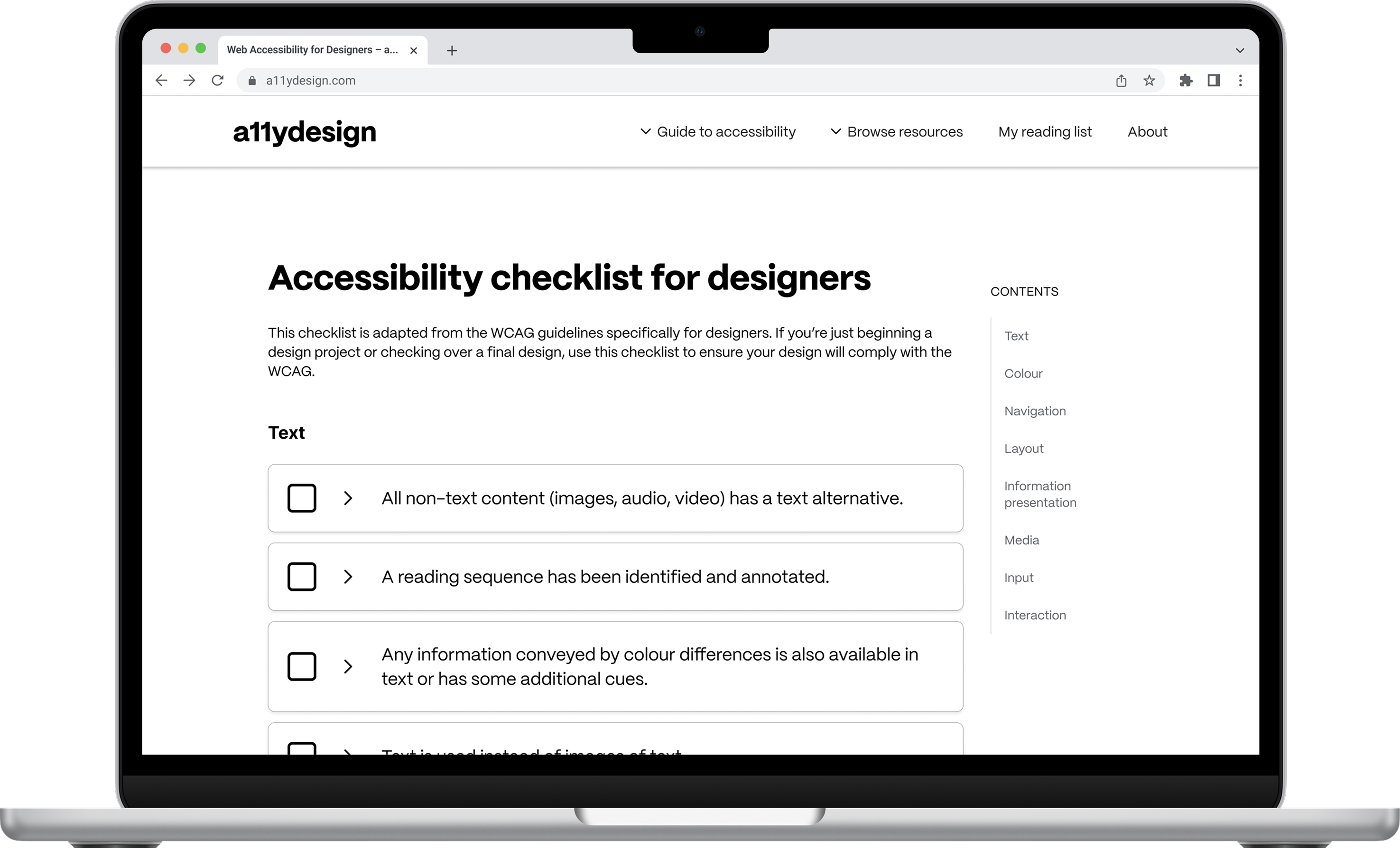
- Built a post-design accessibility checklist based on the WCAG 2.1.
- The ‘why’ and examples of accessible design techniques are provided for each item.
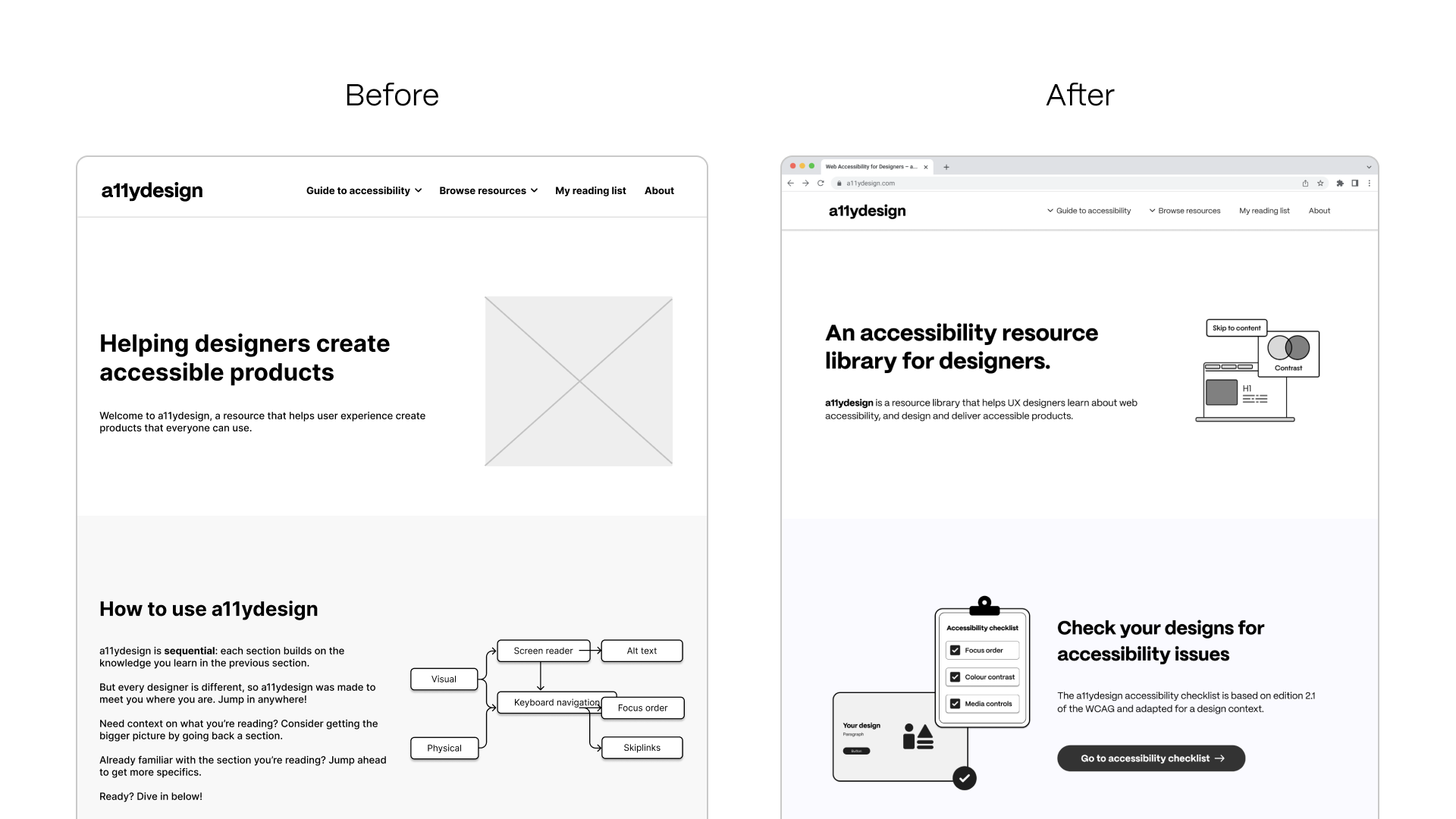
Redesigning the homepage
- Updated hero text to a clear, concise description of the library
- Designed home page sections based on user goals
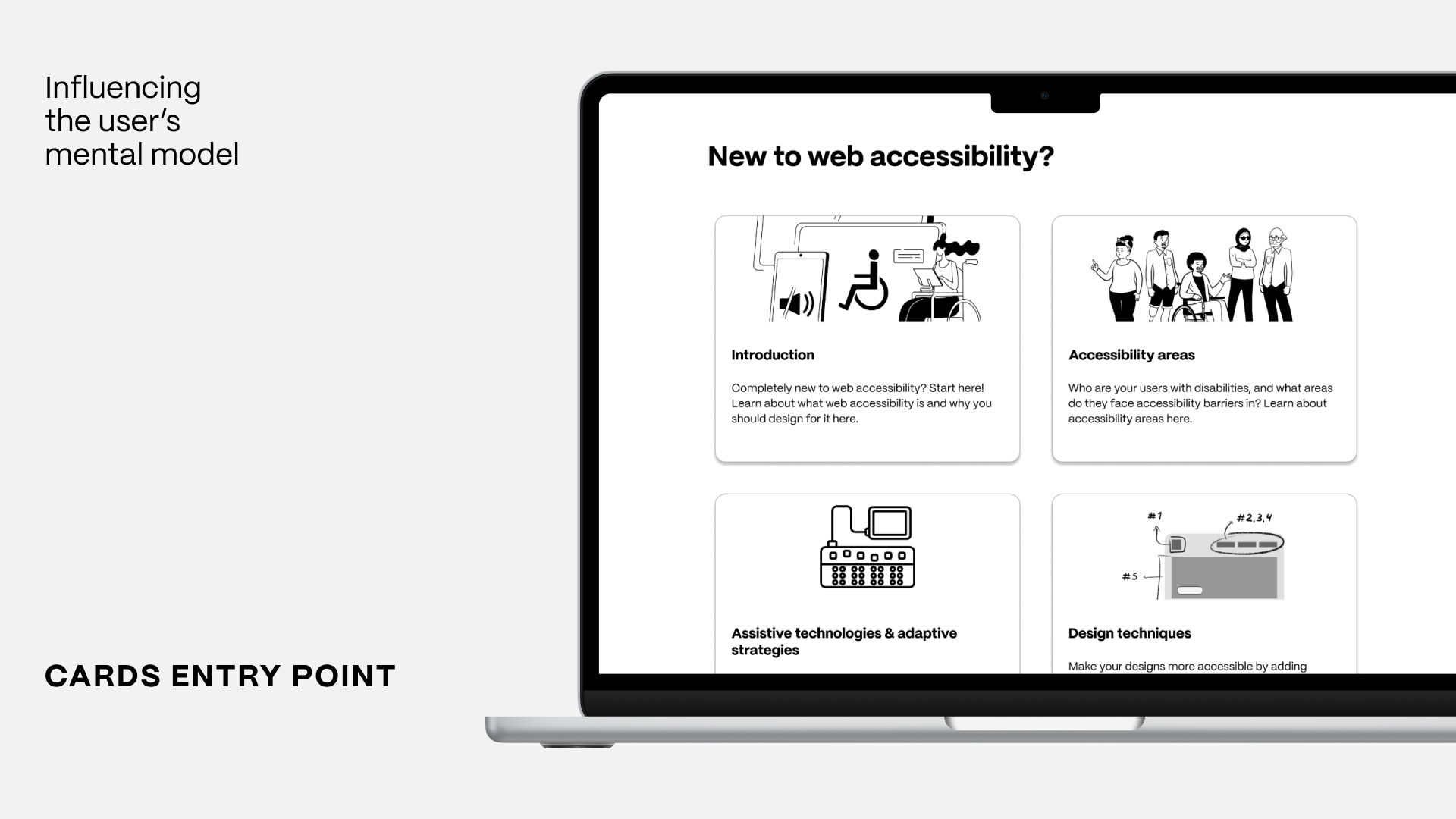
Adding entry point cards
- Redesigned entry points to resemble existing resource libraries
- Modular, non-sequential cards encourage different personas to explore the library
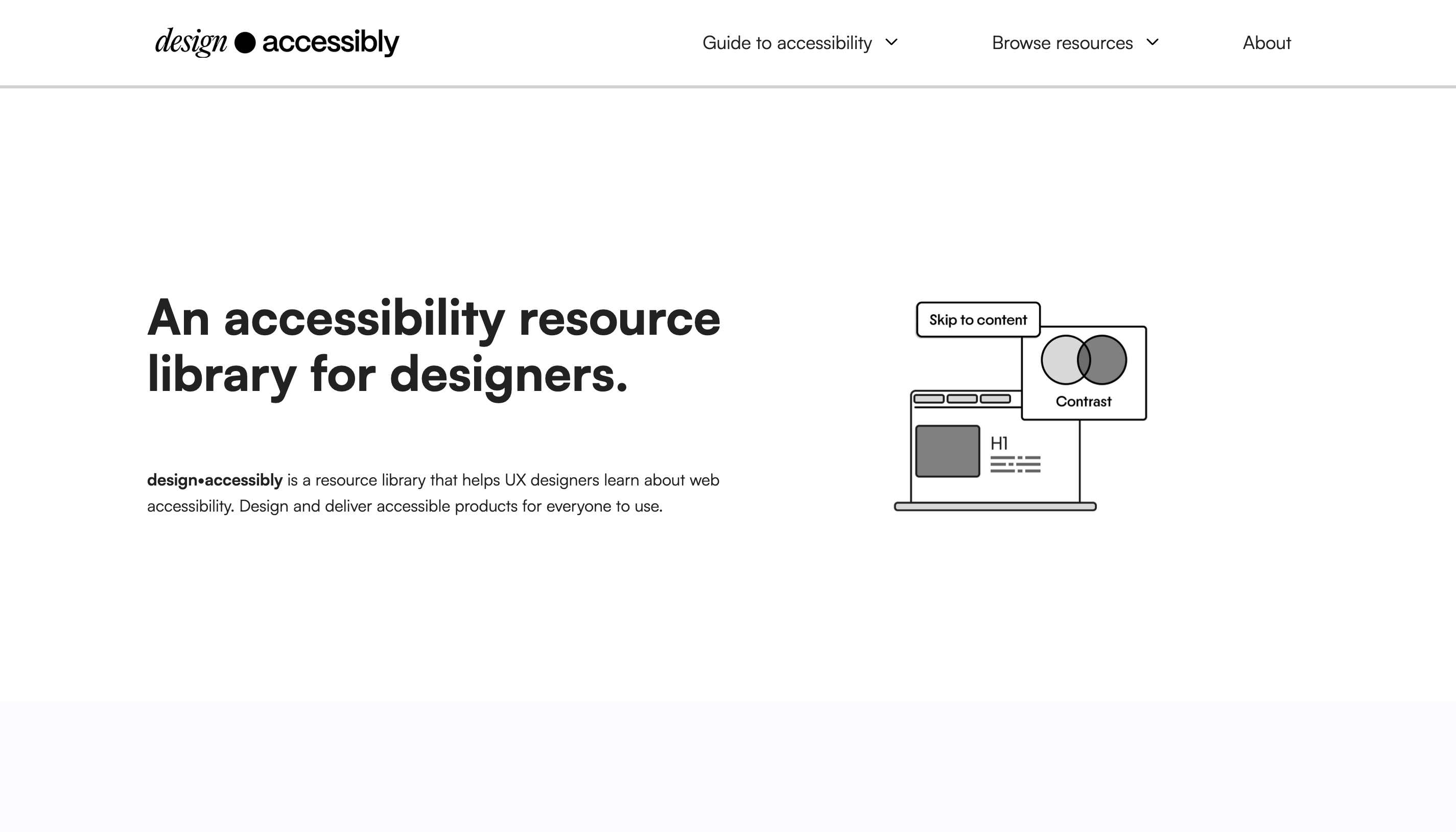
Final prototype: shipped to production
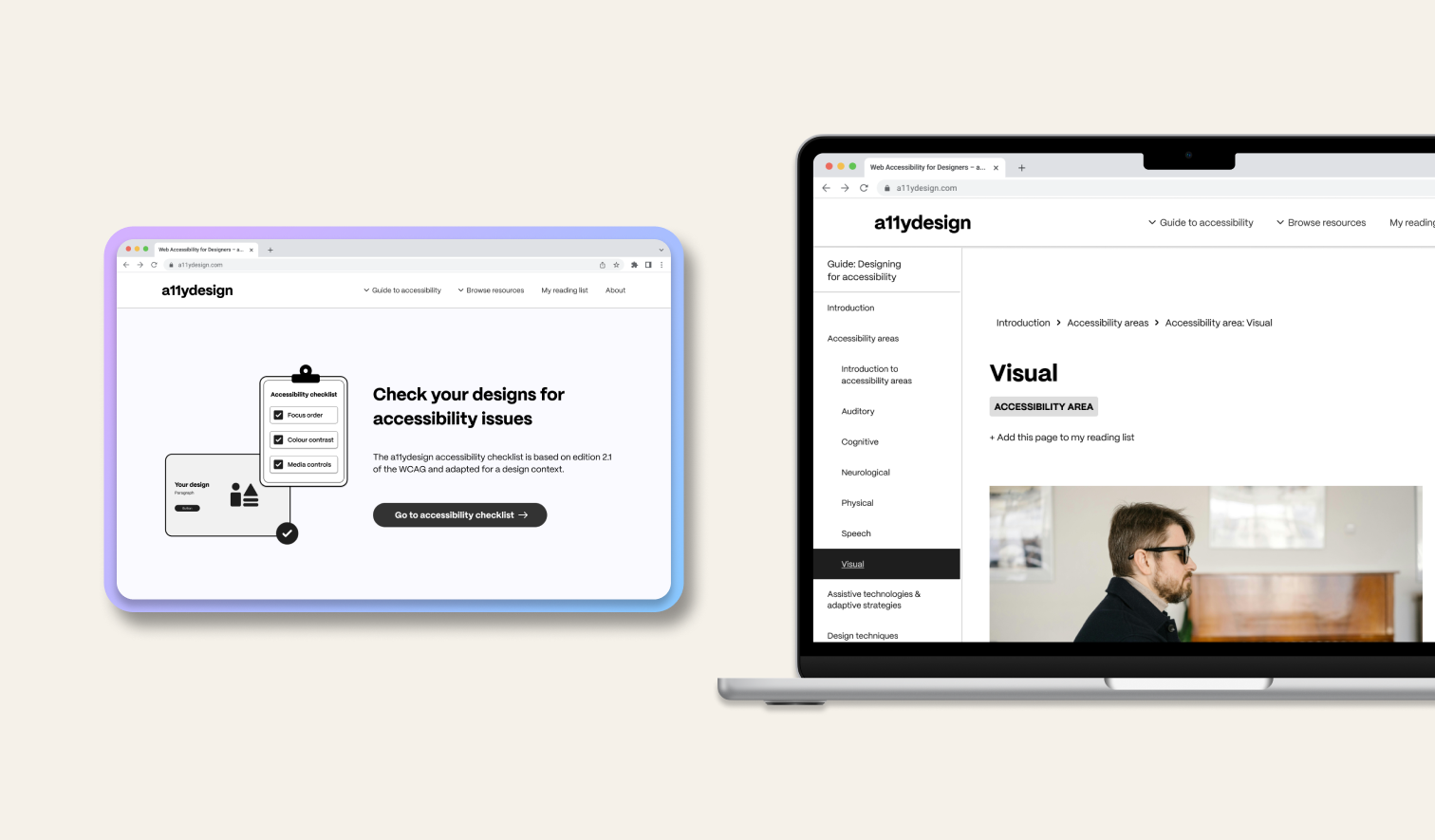
The final prototype for this product is a resource library for UX designers, where users can learn about designing for web accessibility, build on their own professional experience and ensure their designs are always accessible.
Final thoughts
As my individual honours’ thesis, this was the longest design project I’ve worked on to date, and it’s also the one I’m proudest of.
One of the biggest challenges I faced was the lack of “competitors” and industry standards I could reference. I had no idea what product I was even designing when I started out; I only knew what I wanted it to do: support designers in creating accessible products.
Through months of interviews, designing, and user testing, I had to trust that the design process would deliver. I decided on my scope, set realistic goals and met them, one by one.
I received the opportunity to exhibit this project at the Zero Project Asia Pacific Symposium 2025 in partnership with SG Enable.
Just One Thing!
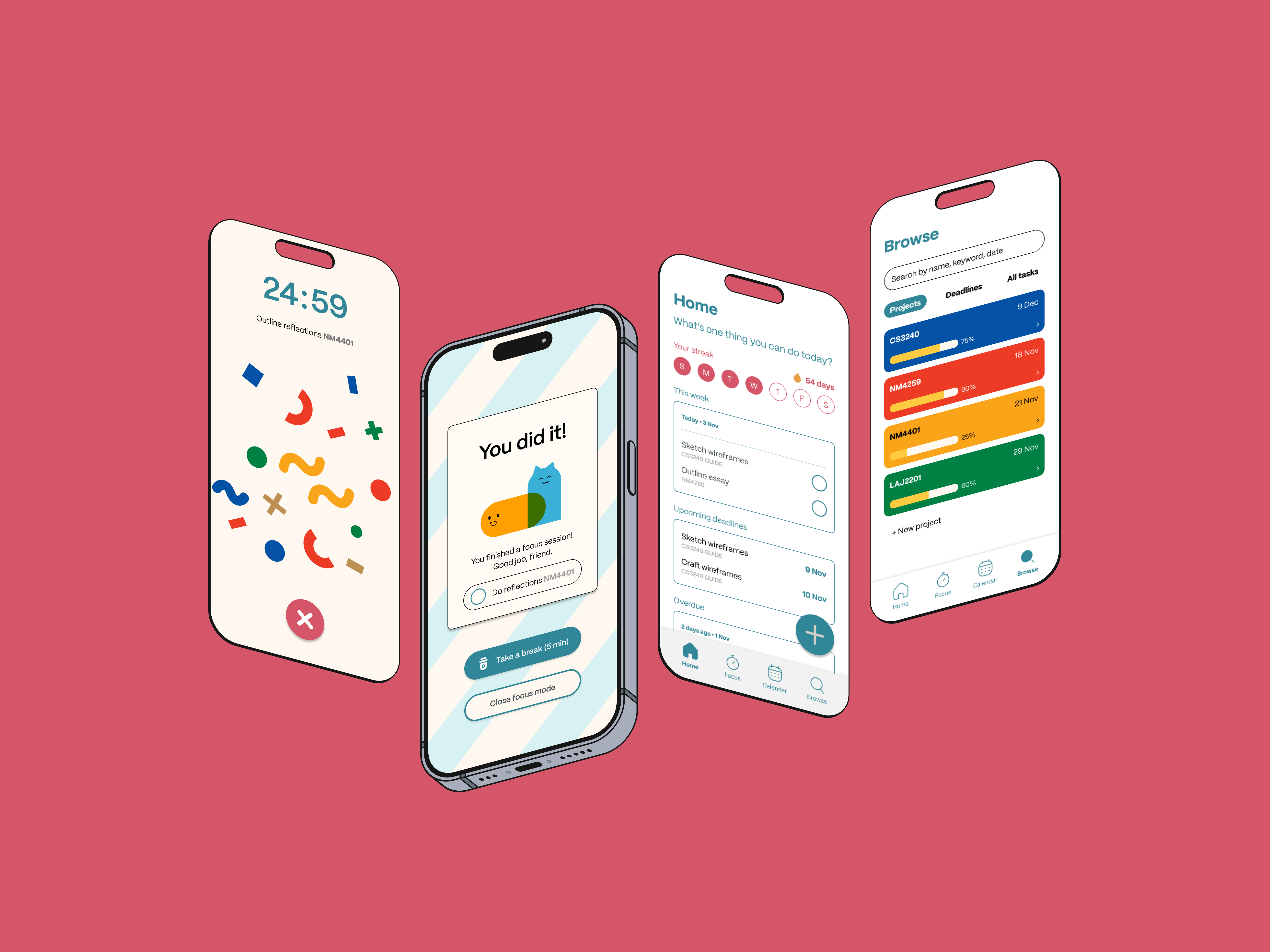
Anti-procrastination app for students
An anti-procrastination task management app with a focus on gentle, positive encouragement.